

The MammoScreen Score™
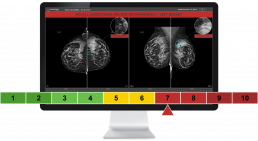
MammoScreen® provides a quick and reliable confirmation on low and high suspicion cases, and what needs more attention.
The MammoScreen Score is calibrated so you can have high confidence in cases with high or low scores.
Benefits of the Score

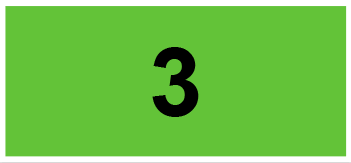
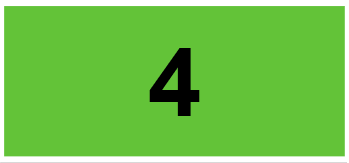
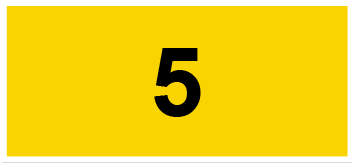
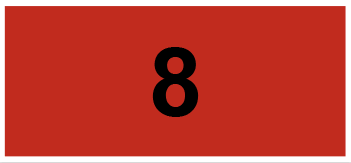
Mammograms marked with a score between 1 and 4 are very unlikely to contain cancers. Cases scored between 7 and 10 are very likely to be malignant. For scores of 5 or 6, the AI software works with the expert eyes of the Radiologist to come to a conclusion.
The MammoScreen Score’s specificity is enhanced through the analysis of priors.
Understanding the Score
Results are naturally consistent across all levels: lesion, breast(s), and mammogram. The overall score corresponds to the score of the most suspicious lesion in the mammogram. This makes it easy to link a high level of suspicion on a mammogram to the corresponding breast(s) and to a specific lesion within that breast.
The MammoScreen Score shows both the likelihood of malignancy and the AI’s confidence in its findings.
With an intuitive colour-coded system, you can make decisions quickly and confidently.
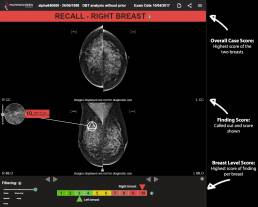
Marking Display
Not all scoring systems are displayed the same way. You may be familiar with the screen pollution of a CAD or you may be concerned about markings.
Here is how MammoScreen looks:

Green Cases
By default, no markings are displayed on cases scored 1-4 in the “green” category.
The bottom left filter allows you to display scores in 3-4, or 1-2 if you would like to see findings.
Yellow and Red Cases
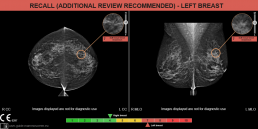
All findings that are scored 5 or higher will be shown.
You can still filter out to see if any other findings were discovered scored 4 or lower.
For tomosynthesis studies, the magnified finding will display the slice number where the finding can be best viewed at.
When a finding is colocated on both views, it will have a matching colour.
Circles identify lesions, triangles identify calcifications, and a triangle in a circle identifies a lesion and calcification.
Explore the Score
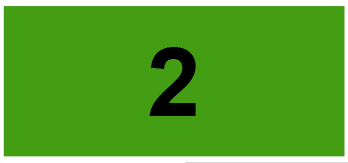
Click on the bar below to see how different cases are scored and displayed






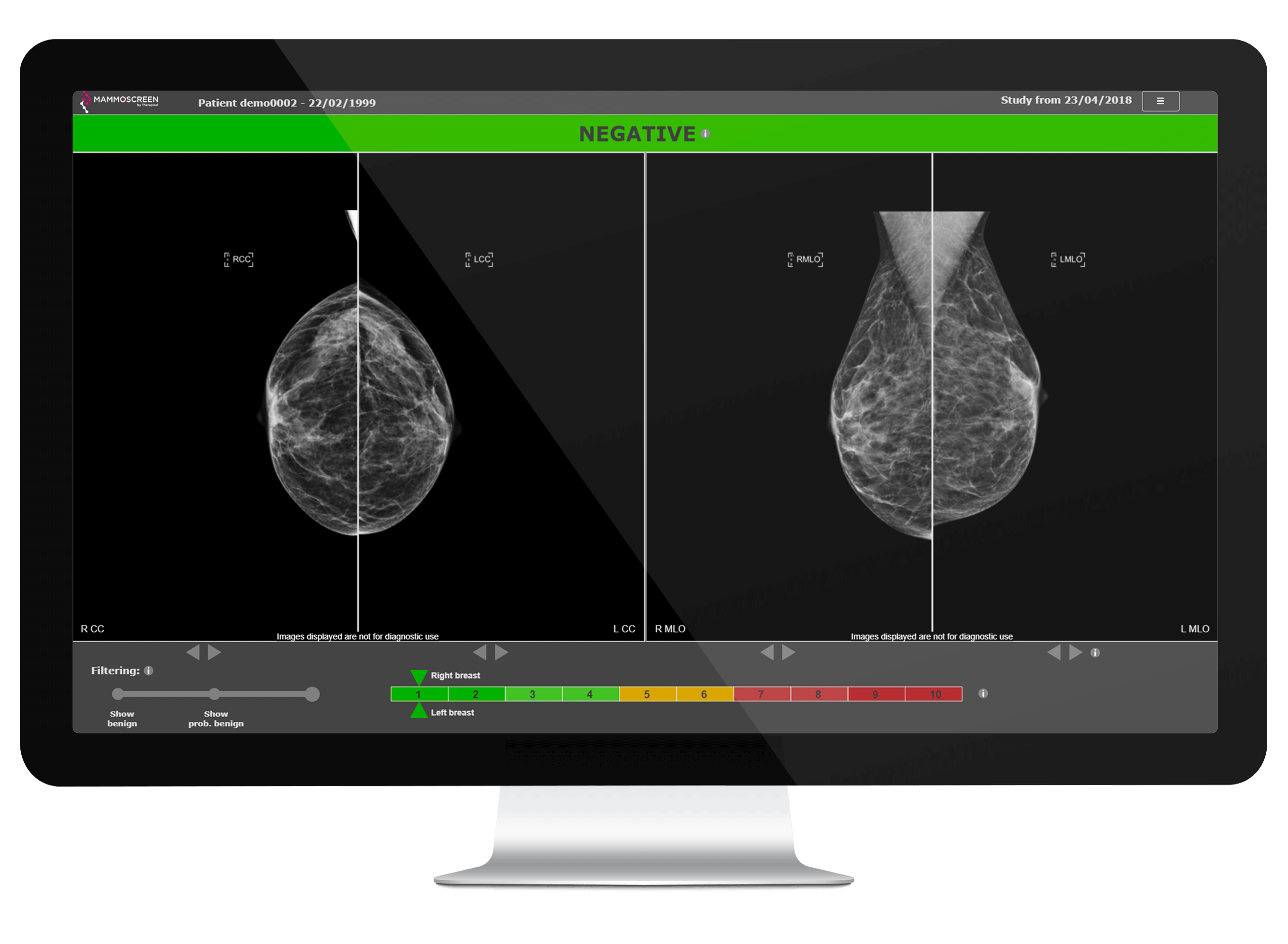

Negative
Negative
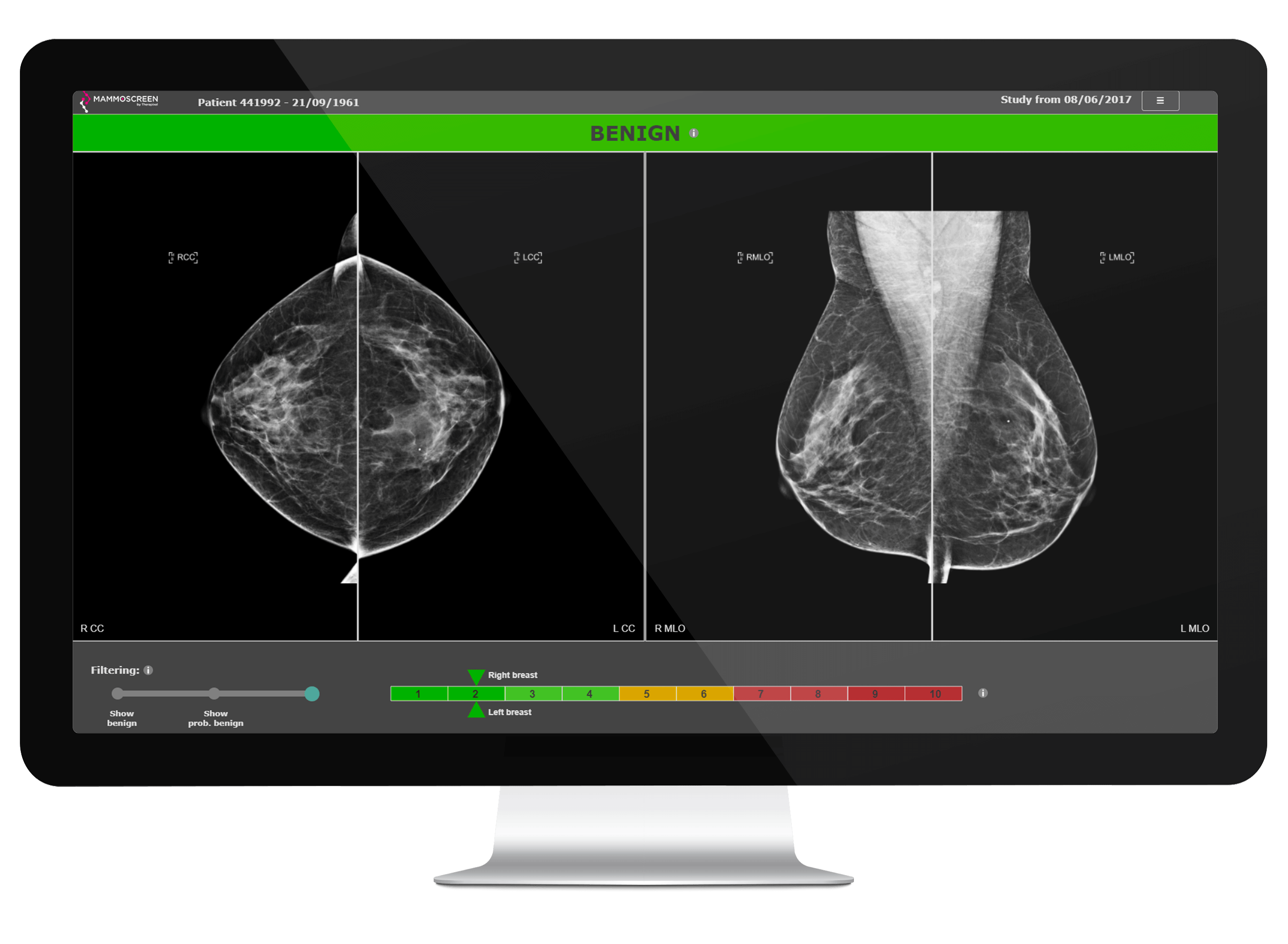
Benign
Benign
Benign
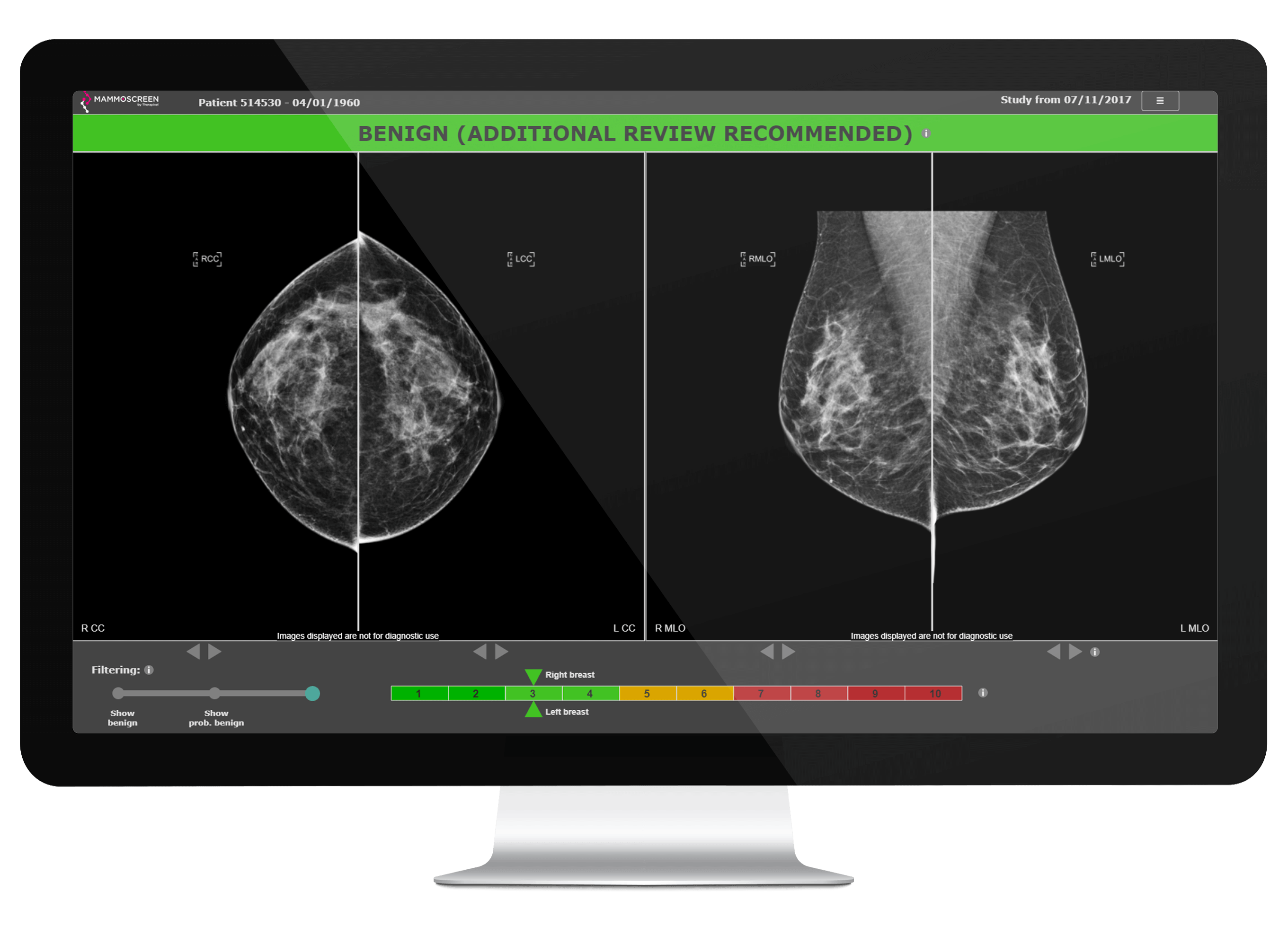
Benign (Additional review recommended)
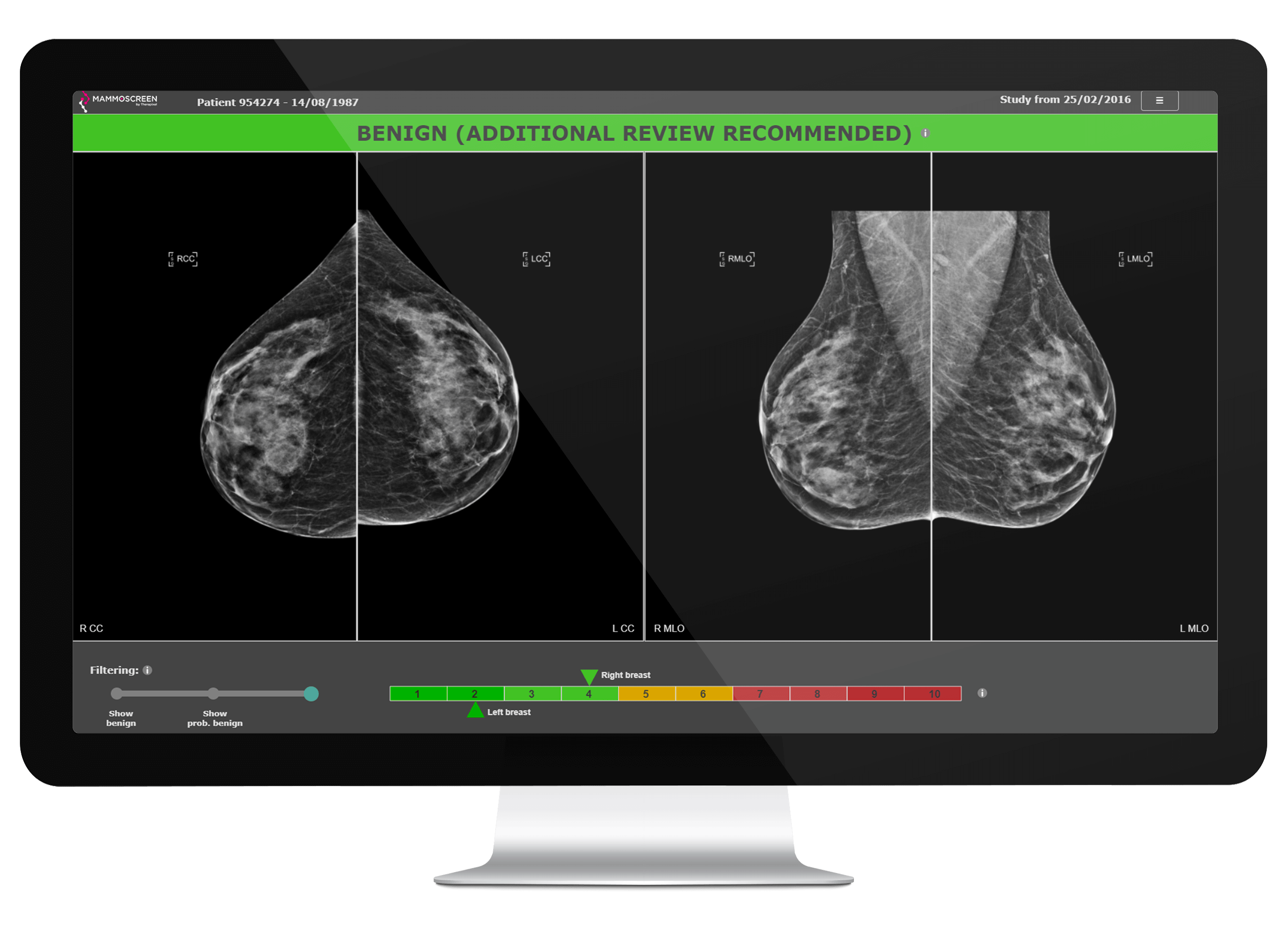
Bening
Benign (Additional review recommended)
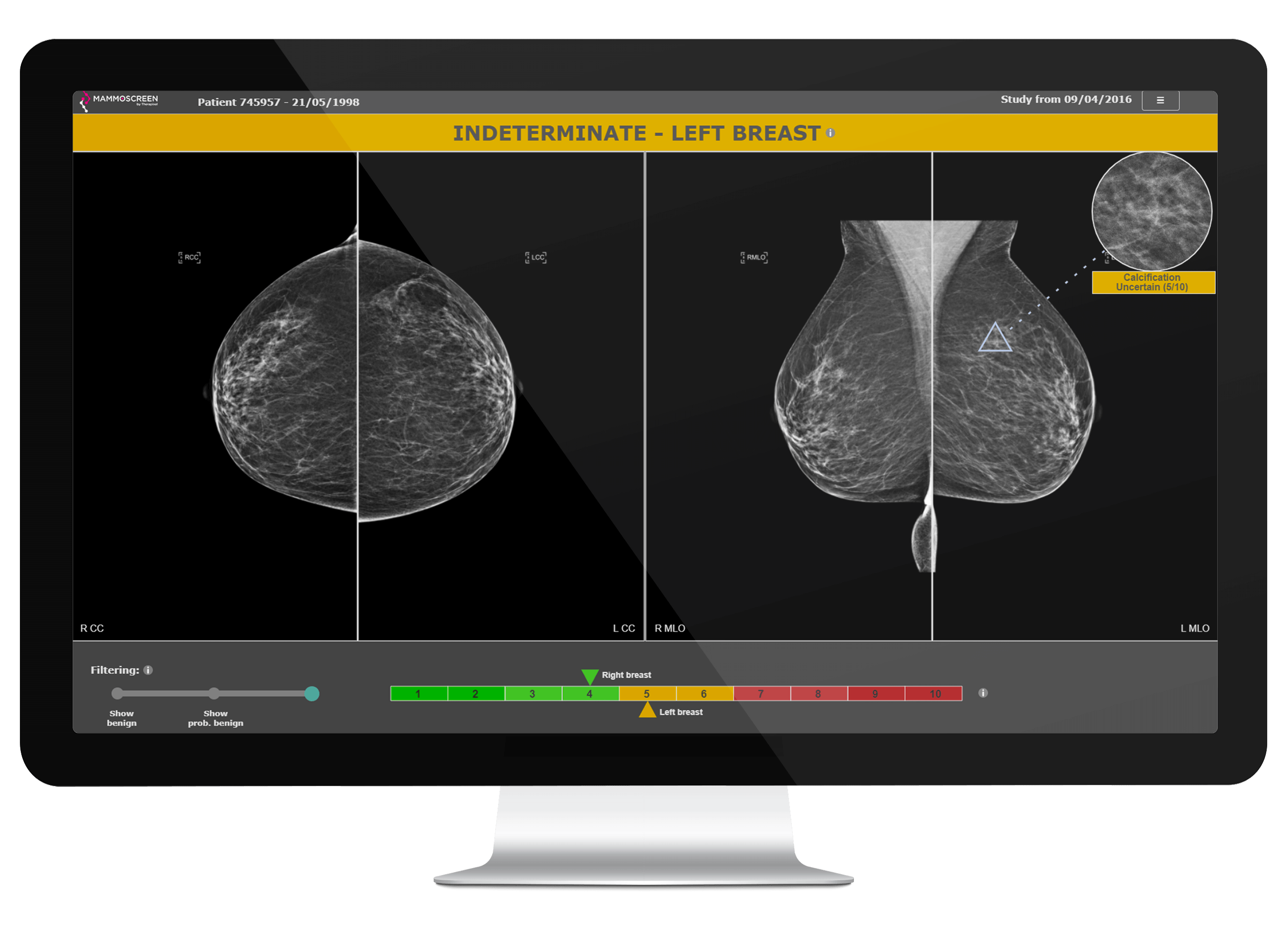
Indeterminate
Indeterminate
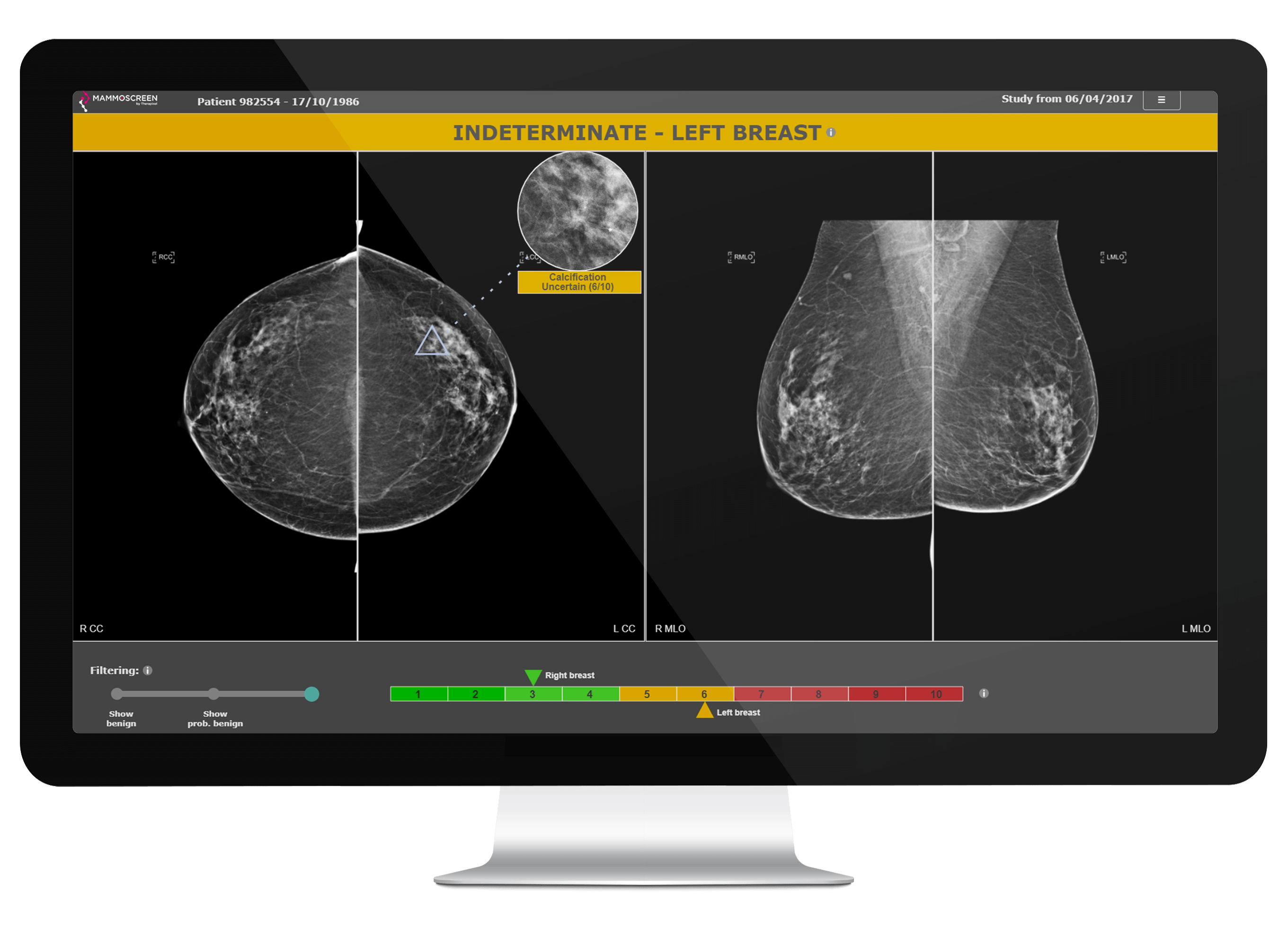
Indeterminate
Indeterminate
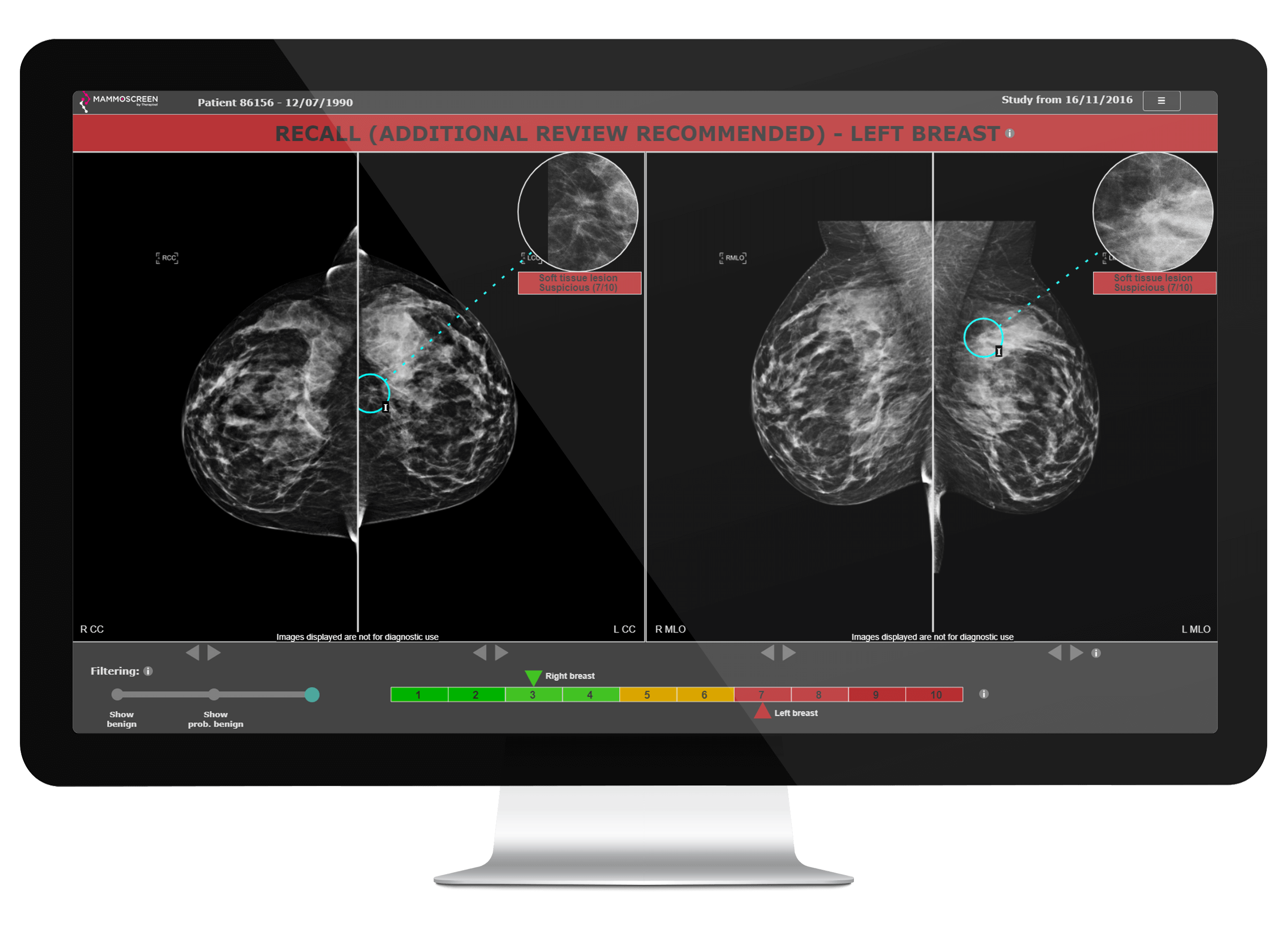
Recall
Recall (Additional review recommended)
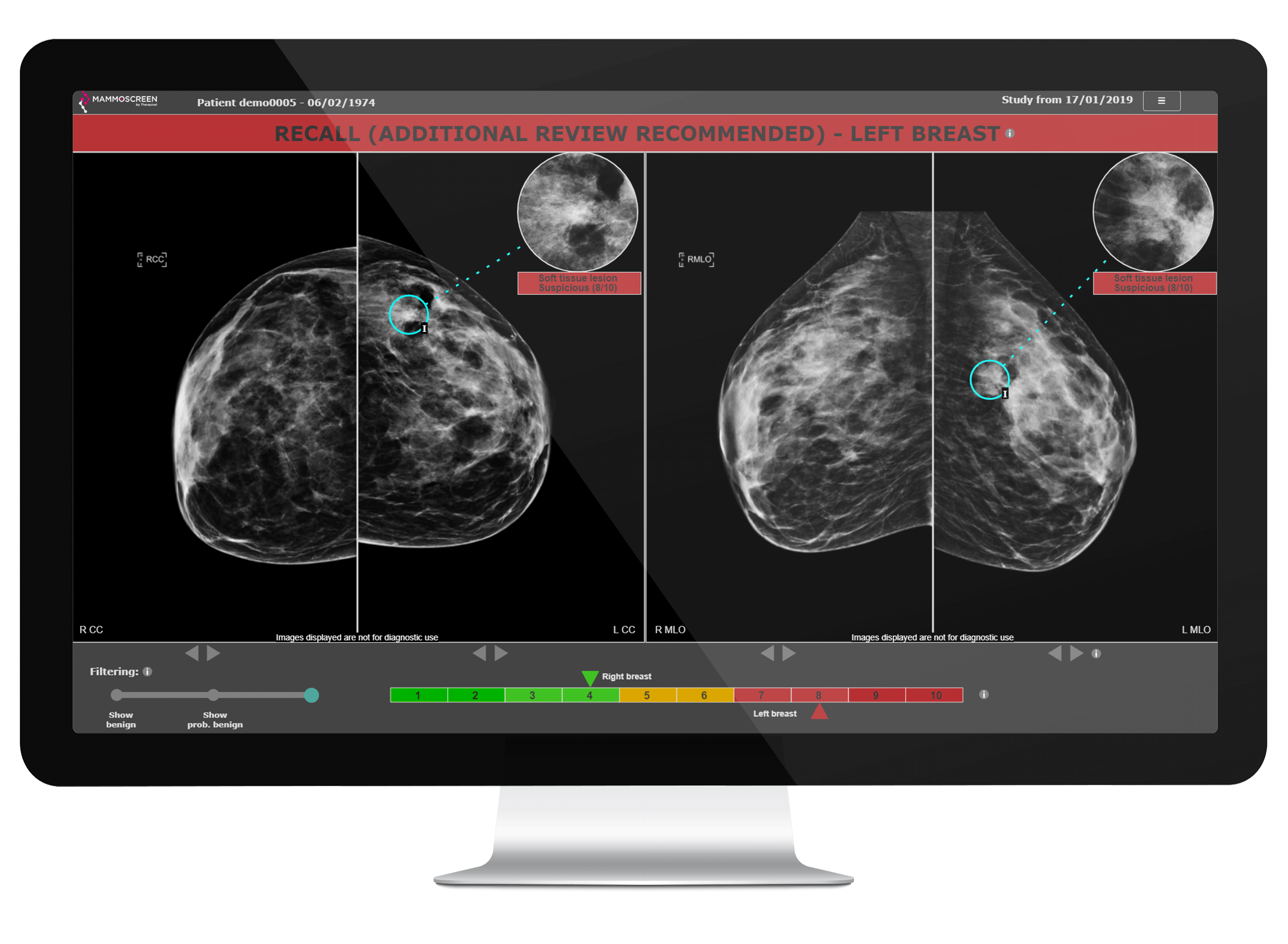
Recall
Recall (Additional review recommended)
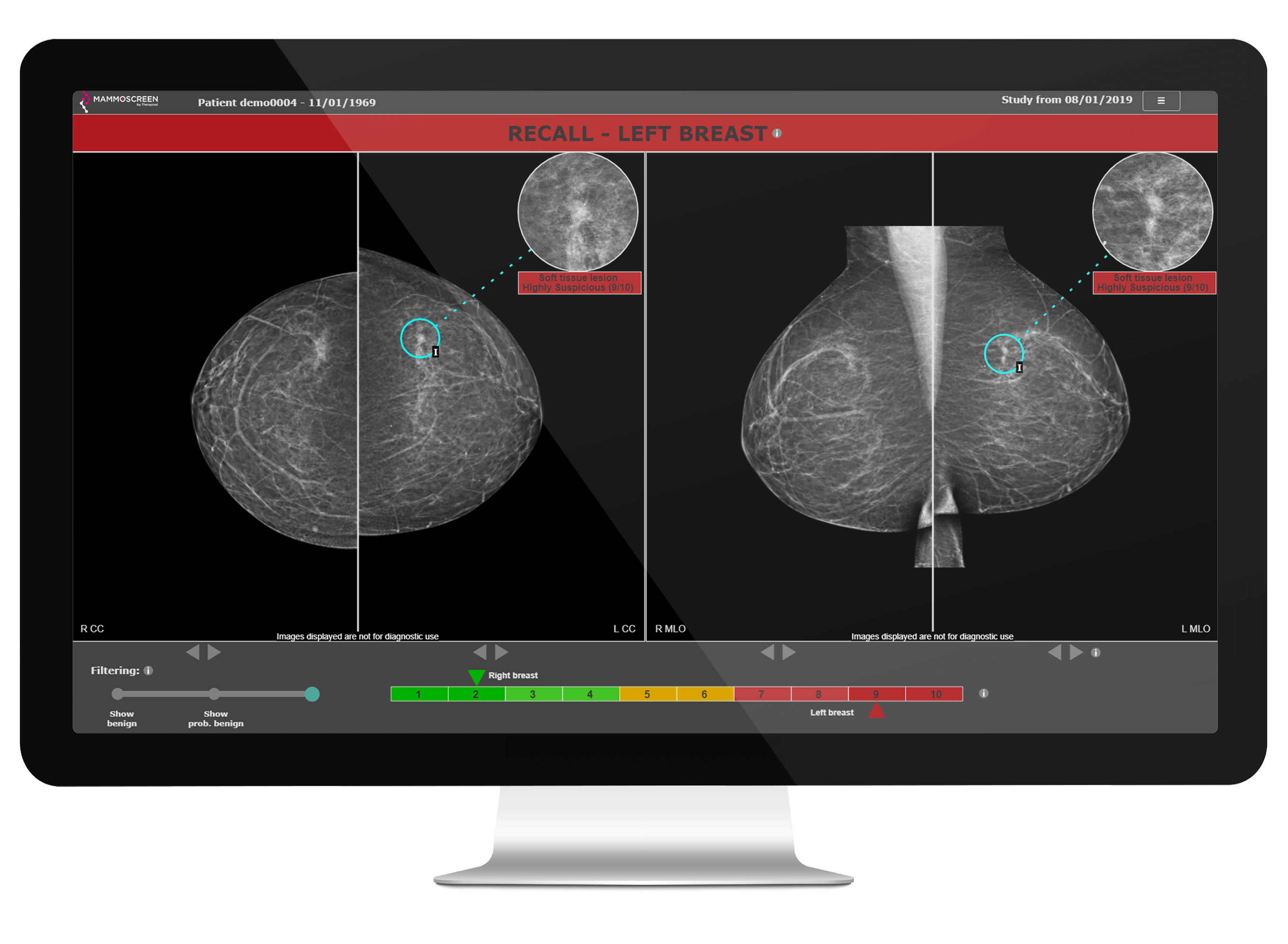
Recall
Recall
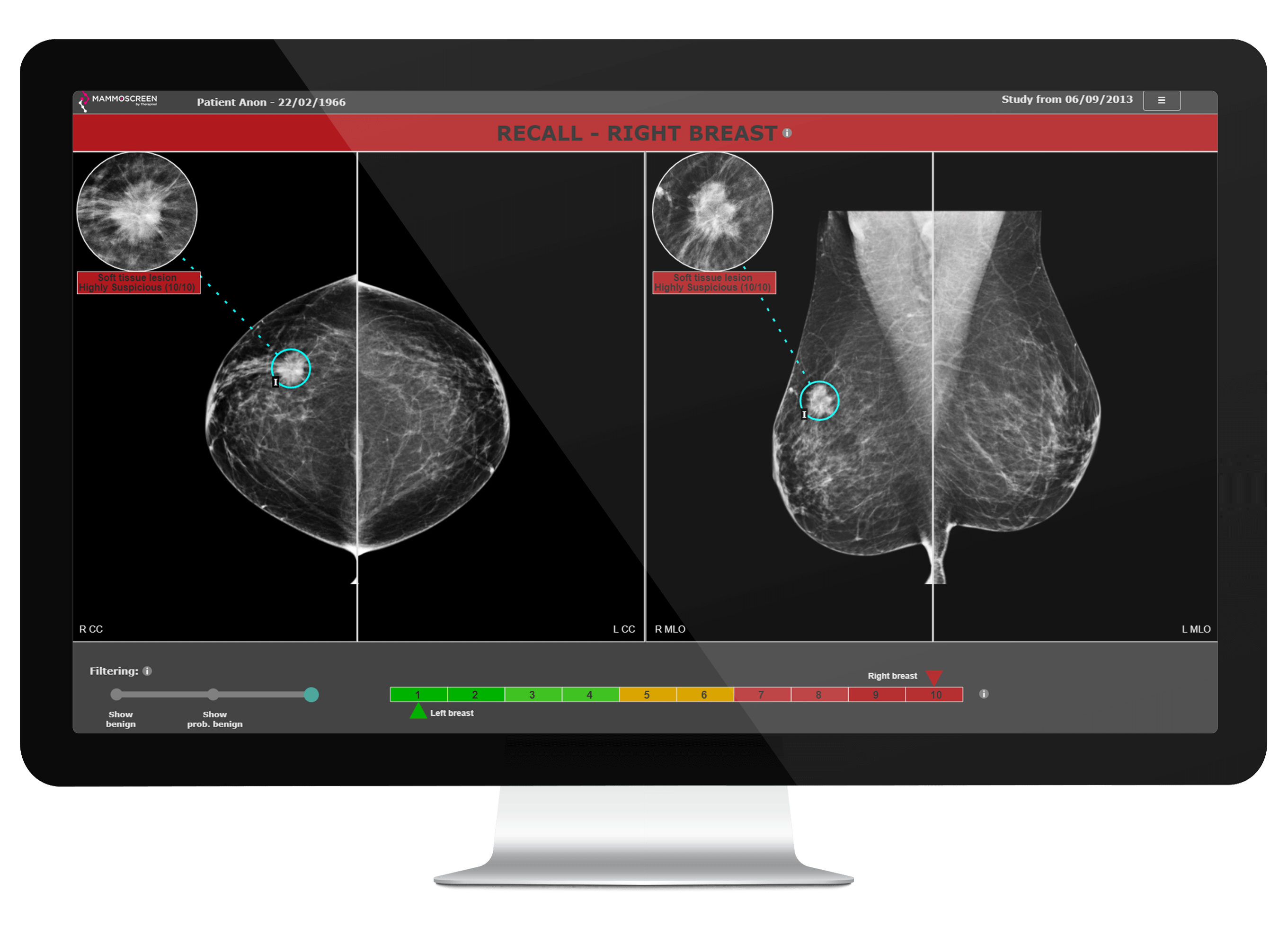
Recall
Recall